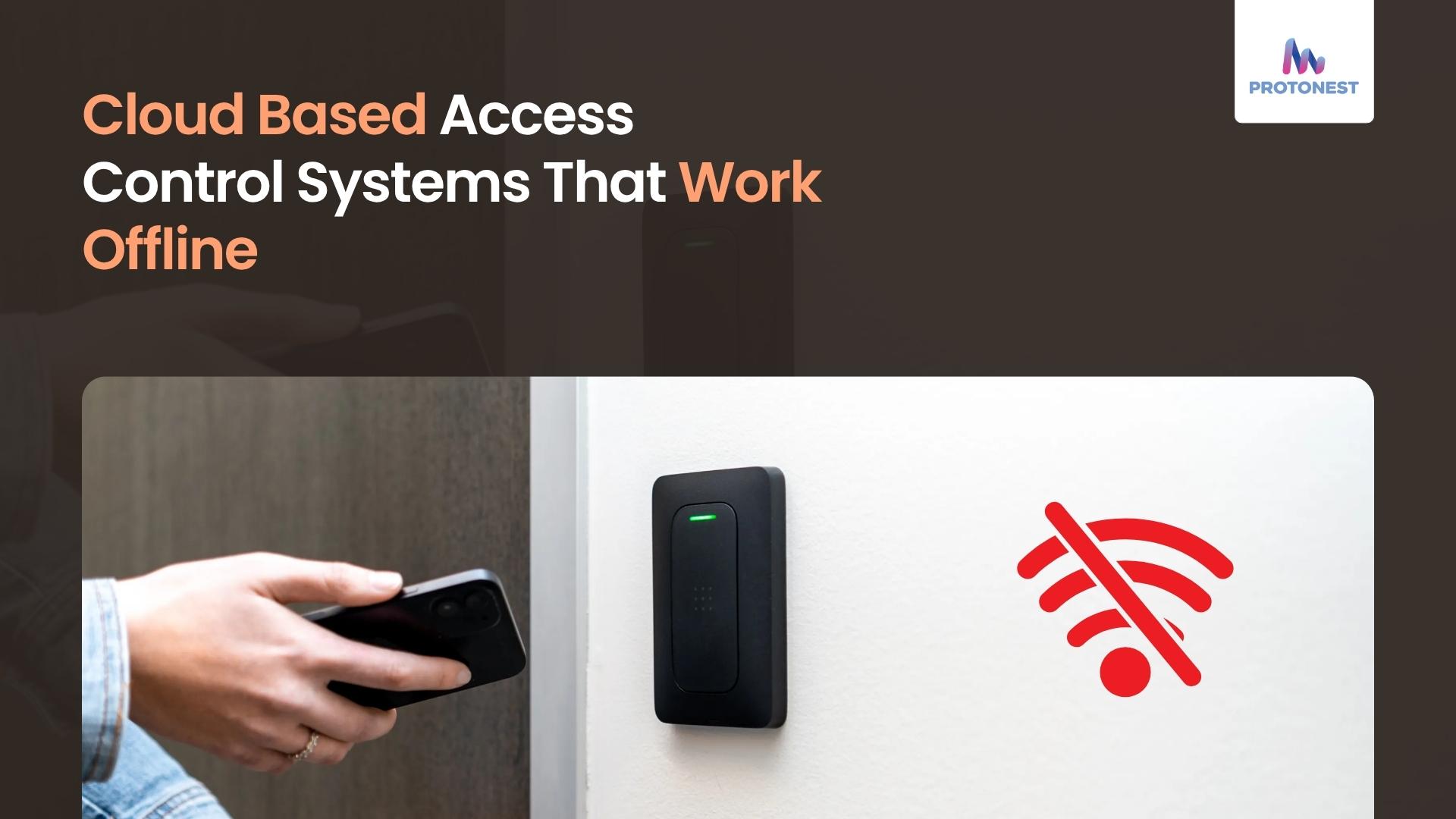
Cloud based access control systems do not have to stop making access decisions when the internet fails. Instead, the controller or lock can continue using the latest valid access data already stored locally while the cloud remains unavailable.
During an outage, local devices can apply cached permissions, time rules and access schedules, then upload queued events and receive configuration changes after connectivity returns. Verkada documents this last-known-configuration model, while Salto KS states that its locks use offline memory to continue admitting users who already have access permissions.
The question addressed here is simple: what remains functional when the cloud cannot be reached, and for how long?
This article looks at the main areas B2B access control companies should consider when evaluating offline operation, including cached permissions, credential expiry and revocation, access schedules, event storage, reconnection, device monitoring and firmware recovery.

What does offline mode mean in cloud access control?
In cloud-based access control systems, the cloud normally handles the administration, reporting, user management, and remote operations. The actual decision to grant or deny access can still happen at the site.
In an offline-capable design, the controller or smart lock keeps enough current data locally to continue making access decisions. Verkada states that its controllers run the last known configuration received from the cloud and retain it through a reboot. Events generated during the outage are stored locally and sent to the cloud after the connection returns.
An internet outage is also different from a local network or power outage. Kisi’s outage guidance separates these cases: its devices can run in offline mode during an internet or cloud-service outage, while loss of the local network can affect device communication and power loss can cause different hardware behaviour.
|
Situation |
Expected offline behaviour |
|
Internet connection lost |
Continue evaluating previously synchronised credentials and rules locally |
|
Cloud service unavailable |
Keep site access operating from the latest valid local configuration |
|
New permission created during outage |
Apply after the site reconnects |
|
Credential revoked during outage |
Apply after reconnect unless local expiry or another rule blocks it earlier |
|
Access event generated offline |
Store locally and upload after reconnection |
|
Local network lost |
Behaviour depends on local device communication |
|
Power lost |
Behaviour depends on backup power, lock hardware and life-safety design |
Cached permissions are the core of offline access control systems
Offline capability depends on locally available access data. This can include active credentials, the doors each credential covers, access schedules, time limits and other rules required for normal operation.
Salto KS resources mention that its electronic locks have offline memory and allow administrators to define who can enter which doors during which time frames.
The full cloud database does not need to exist at every door. The local device only needs the access data required to make the decisions it is expected to make while disconnected.
This creates a capacity question for product teams. How many active credentials, schedules and rules can the controller retain? How does it behave when those limits are reached? Offline support has little value if local capacity does not match the deployments the product is sold into.
From our experience
In access control projects we have worked on, offline behaviour usually becomes important once the product moves beyond controlled testing and into real sites. Internet reliability, controller restarts and delayed synchronisation need to be treated as normal operating conditions rather than rare exceptions.
A useful product requirement is to define exactly what the device must still be able to decide locally, then test those conditions before deployment.
In a previous access-control project, we encountered a requirement for mobile-based access to remain functional when the mobile device temporarily had no internet connectivity. The mobile application needed to communicate directly with the local access hardware over Bluetooth Low Energy (BLE), while the hardware itself remained permanently offline. The application would synchronise the required access information from the cloud whenever internet connectivity was available and then use the locally stored information to make an access decision when offline.
Because access decisions could be made without reaching the cloud, the local BLE communication required appropriate authentication and secure handshake mechanisms to mitigate risks such as man-in-the-middle (MITM) attacks and unauthorised access.
Credential expiry and revocation create different risks
Credential expiry is predictable. A permission can carry an end time, such as a visitor credential valid from 09:00 to 17:00. If that validity data has already reached the controller, the controller can evaluate the end time locally.
Salto KS supports permissions by time frame and supports check-in and check-out dates and times for guest access.
Revocation is harder. If an administrator removes a user while a controller is disconnected, the controller cannot receive that new state until communication returns.
This creates a revocation window: the period between the cloud-side revocation and the point when the affected device receives it. A previously valid credential may therefore remain usable until it expires locally or the controller reconnects.
Product documentation should state this clearly. “Doors continue working offline” does not mean every new cloud-side security change takes effect during the outage.
Access schedules still need a reliable local clock
Access schedules are often part of the cached decision set. A credential may be valid only during office hours, on weekdays or for a defined project period.
If a product claims cloud access control offline capability, the site needs enough local data to evaluate those rules while disconnected. It also needs reliable time handling. This matters across long outages, device restarts, time-zone changes and daylight-saving transitions.
For product managers, these are reliability requirements. A schedule that depends on a live cloud check for every entry is not a useful offline schedule.
Event queues preserve the audit trail
Offline access should not create a blank period in access history. When a controller cannot send events to the cloud, it can store them locally and forward them later.
“The events are stored locally until the internet is restored.”
Verkada
Verkada also states that, after connectivity returns, the controller sends events generated during the outage to the cloud and receives the latest configuration.
For a B2B access control product, event retention needs defined limits. Buyers should know how much history fits locally, what happens when storage fills, and how delayed events appear after reconnection.
A door may continue granting access locally while the cloud-based event history remains temporarily out of date.
Reconnection requires reconciliation
When connectivity returns, the controller and the cloud may each hold information that the other has not yet received. The site may have generated access events and device-state information while offline, while administrators may have created users, revoked credentials or changed schedules in the cloud. The system therefore needs to synchronise both sides after reconnection.
Verkada’s documented flow shows one practical model: the controller uploads events generated during the outage while receiving the latest cloud configuration. Operators should also be able to see when the site reconnects and when its configuration and event history are fully synchronised. Restoring the network connection does not necessarily mean that all data has already finished synchronising.
What we have seen in real projects
Reconnection is often where edge cases become visible. A controller may have stored events locally while administrators made permission changes remotely.
The important question is not simply whether the device reconnects, but how clearly the product handles the period between being offline and becoming fully synchronised again.
In one of our projects, we found that keeping access rules and configuration data outside the hardware simplified recovery and synchronisation. The required information was securely maintained within the mobile application rather than being stored on the offline access hardware. The application was required to periodically reconnect to the cloud at defined intervals to synchronise configuration changes and upload locally generated access logs. This highlighted the importance of clearly defining synchronisation intervals and recovery behaviour so that the system could reliably reconcile changes and events after periods of offline operation.
Device alerts and remote diagnostics have connectivity limits
Cloud access control gives administrators fleet visibility across distributed sites.
Salto KS lists remote installation diagnostics, reporting and battery-status checks, plus notifications for rejected entries, doors left open and low-battery conditions.
During an internet outage, local devices may still detect faults or door events, but a cloud notification cannot arrive through the missing connection. Products should distinguish between a condition being detected locally and being reported remotely.
The National Institute of Standards and Technology (NIST) identifies device status reporting as an important IoT cybersecurity capability. This can include making information about a device’s security state available through logs or monitoring systems so authorised users can identify changes or problems.
This affects support operations. Useful remote diagnostics need enough state history to explain what happened before, during and after a connectivity failure.
Firmware updates need recovery and rollback planning
Firmware is another point where cloud management meets local reliability.
NIST’s IoT Device Cybersecurity Capability Core Baseline states that software updates should use a secure, configurable mechanism. It also lists rollback to a previous software version as a common capability.
NIST notes that rollback can help when an update affects critical applications or integrations, while older versions can also carry known vulnerabilities.
“The ability for authorized entities to roll back updated software to a previous version.”
National Institute of Standards and Technology
For access control products, recovery matters because controllers support physical operations. A failed update should have a defined recovery path.
This does not mean unrestricted downgrades. Product teams need policies for approved versions, authenticated updates, staged rollout, failure detection and controlled rollback or restoration.
What B2B buyers should ask
Access control companies comparing platforms, controllers or technology partners should ask for specific offline behaviour rather than a yes-or-no offline claim:
- Which credentials, permissions and schedules remain available locally?
- How many users and rules can each controller retain?
- What happens to credentials that expire during an outage?
- How long can a revoked credential remain usable while disconnected?
- Are access events queued locally, and what happens when storage fills?
- Can operators confirm that a reconnected controller is fully synchronised?
- Which alerts require cloud connectivity?
- What remote diagnostic history remains available after an outage?
- What happens if a firmware update fails?
These questions separate a product that is merely cloud-hosted from one designed for real site failures.
Cloud based access control should degrade predictably
Strong cloud based access control systems treat internet loss as a temporary operating condition.
They keep the permissions and rules needed for local decisions at the site, apply expiry and schedules locally, queue events, expose connectivity loss and reconcile data after reconnection.
Revocation deserves special attention because a disconnected controller cannot receive a new cloud-side decision until communication returns. Device alerts, diagnostics and firmware recovery also need clear behaviour and limits.
For B2B access control companies, offline mode should be part of the product specification. Buyers need defined limits for credential capacity, revocation delay, event retention, reconnection, diagnostics and recovery.
Cloud access control is credible when its failure behaviour is documented, testable and predictable.
References
Salto Systems, Salto KS Features
Kisi, Overview of common access control emergencies and outages
This article was created with AI assistance under human direction.