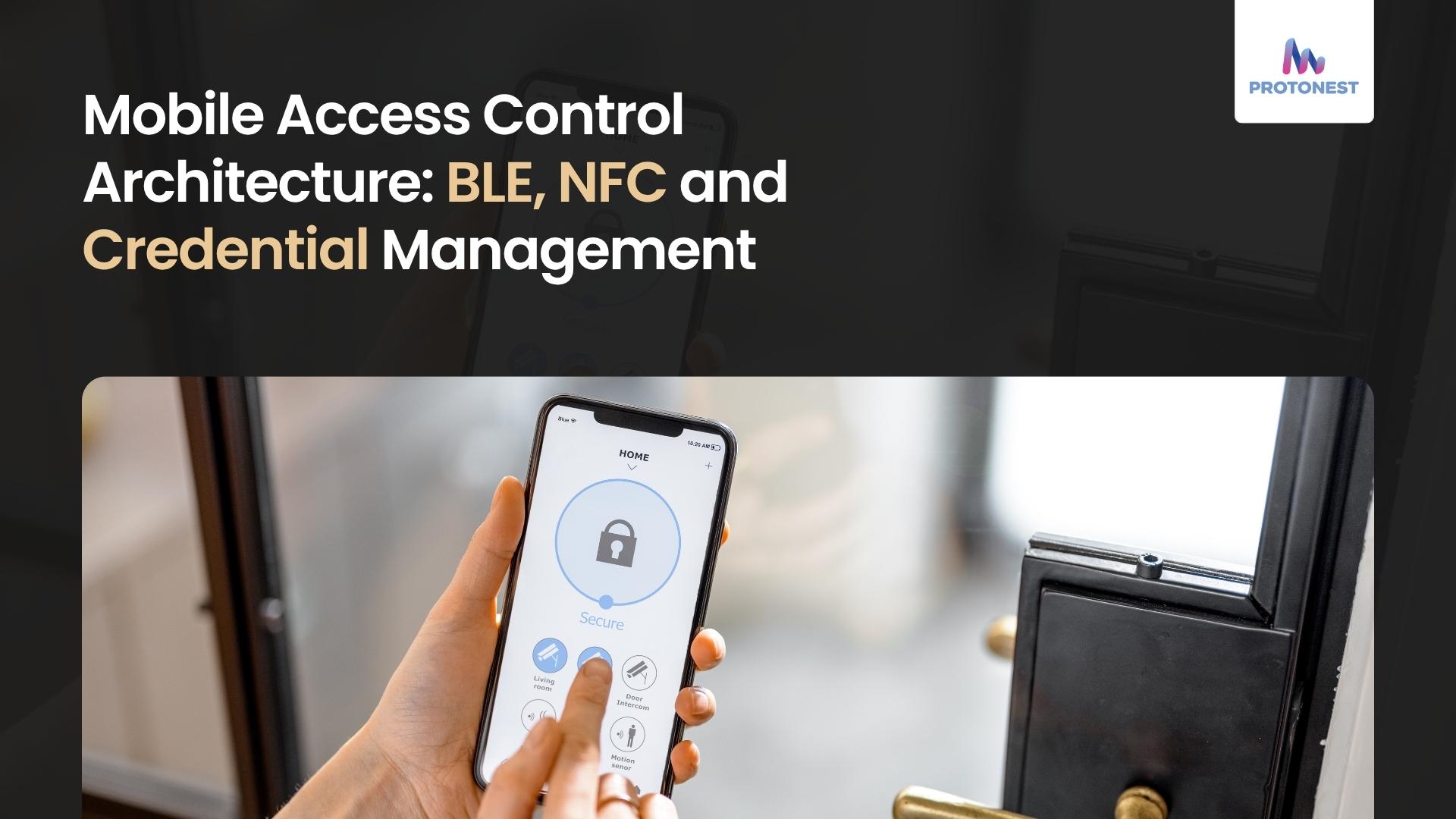
Mobile access control looks simple from the user's side. You open an app, bring your phone near a reader, or tap your phone on it. Then the door opens.
But several things have to happen behind that one action. The phone needs a valid credential. The reader needs to communicate with the phone. The access control system needs to check that the credential is still allowed to enter. And the system still needs to work properly when the internet, app, phone, or cloud service has a problem.
So, when you are building a mobile access control system, choosing between BLE and NFC is only one part of the decision. You also need to think about how credentials are issued, how they are connected to a device, what happens when someone changes their phone, how credentials are revoked, and what happens when something fails.

How does mobile access control work?
Most mobile access control systems have three main parts. You have the credential platform, the mobile device, and the reader.
The credential platform manages the credential and the access given to the user. The mobile device, usually a phone or wearable, holds or presents that credential. Then the reader communicates with the device and passes the access request into the access control system.
With BLE access control, this normally happens through Bluetooth Low Energy. A mobile app can find a nearby reader, communicate with it, and take part in the credential flow. Android provides BLE APIs that allow apps to find nearby devices, connect to them, and exchange data.
With NFC access control, the interaction is much closer. The user normally brings the phone or wearable close to the reader. ISO/IEC 18092:2023 defines NFC communication using devices operating at 13.56 MHz.
NFC can also be used with digital wallets. For example, Google Wallet supports Corporate Badges for workplace access. These are NFC-enabled digital cards stored in Google Wallet and used with compatible NFC readers.
Apple also supports employee badges in Apple Wallet for supported access systems.
So the basic goal is the same, but the way the user interacts with the reader can be very different.
BLE vs NFC for mobile access control
BLE and NFC can both be used for mobile credentials, but they suit different access experiences.
|
Area |
BLE access control |
NFC access control |
|
Interaction |
Phone communicates with a nearby reader |
User brings the phone close to the reader |
|
Distance |
Can work beyond tap distance |
Designed for close-range interaction |
|
Mobile software |
Commonly works through an app |
Can work through an app or supported wallet |
|
Permissions |
Bluetooth permissions and app behaviour matter |
Wallet-based access can reduce dependence on an active app |
|
User action |
System needs to decide when proximity becomes an access request |
The tap gives the user a clear action |
|
Troubleshooting |
Bluetooth, app, permissions and reader communication may need checking |
Usually starts with the tap, credential and reader |
BLE gives you more flexibility. For example, your product can let the user press an unlock button in the app. It can find nearby readers. It can also support access flows where the phone does not need to physically touch the reader.
But that flexibility brings another question. If the phone can detect a reader from a distance, when should the system actually unlock the door?
Seeing a phone nearby does not automatically mean the person wants that specific door to open.
NFC gives you a much clearer physical action. The user brings the phone close to the reader and starts the interaction. NFC Forum describes NFC around this close tap interaction.
So, if you are replacing a physical contactless card, NFC can feel familiar to the user. If you need a different type of interaction, BLE may fit the product better.
You can also support both. But then you have two mobile paths to develop, test, maintain, and support.
How do users get their mobile credentials?
Before someone can use their phone at a reader, the credential has to reach the correct person. This is credential provisioning.
For example, Google Wallet links the user's external account with their Google Wallet account when a Corporate Badge is provisioned.
“Corporate Badges are provisioned by linking an external user account to a Google Wallet account through an authentication and association flow.”
From an access control product point of view, this creates a few questions.
Who can issue the credential?
How does the user prove who they are?
How many phones or wearables can they register?
What happens if they try to add the same access credential to another device?
You need clear answers before the system goes into real use.
The provisioning experience also matters. If someone has to go through several emails, login screens, codes, and unclear instructions before they can enter the building, support teams will hear about it.
At the same time, making credential activation too loose creates another problem. You need a proper connection between the user, their credential, and the device being used.
What happens when the user changes their phone?
Phones get replaced, lost, damaged, and stolen. So mobile credentials need a proper device lifecycle.
The system should know which credential belongs to which user and which registered device is currently allowed to use it. Then, when the user gets a new phone, you need a clear way to remove or disable the old one and activate the new one.
The same becomes more important when the phone is lost or stolen.
For Apple Wallet employee badges, marking the device as lost turns off access to Apple Wallet and temporarily removes the employee badge along with other cards and passes.
But your access control product still needs its own process around that event. The administrator needs to know which device was registered, what happened to the credential, and if the old credential can still be used anywhere in the system.
A practical example from our work
We came across a good example of this while working on a mobile access control product using BLE and NFC.
During testing, we found that the same NFC interaction behaved differently on Android and iOS.
On Android, the interaction could take the user directly into the relevant application. On iOS, the user went through an additional system interaction before reaching the application.
The main function was similar, but the user experience was different. It showed us that the same mobile access flow can behave differently depending on the operating system.
Revoking a credential is not only an admin action
Let's say an employee leaves the company. The administrator opens the system and revokes their mobile credential.
That part is simple. But then you have another question.
When does every reader or controller know that the credential has been revoked?
This becomes more important when some readers or sites can work without a constant internet connection. You need to decide how credential updates reach those devices and what happens if one of them has been offline.
NFC Forum also identifies digital key issuance and revocation as part of the current direction for NFC-based access systems.
The same problem applies to BLE credentials. You do not want a revoked credential to keep working because one part of the system has old information. But you also do not want the whole building to stop working every time the internet goes down.
So revocation and offline access need to be planned together.
What happens when the system goes offline?
Mobile access control systems should have a clear answer for failure conditions.
For example:
- The building loses internet access.
- The user's phone has no mobile data.
- Bluetooth is turned off.
- The mobile app cannot communicate with the reader.
- The credential service is unavailable.
- The reader has not received a recent credential update.
- The user's phone has run out of battery.
You do not need every part of the system to work forever without connectivity. But you should know which access functions still work and which ones stop.
Digital wallets can help with some of these cases. Apple's Express Mode lets compatible cards, passes, and keys work without opening the Wallet app or authenticating every time. Apple also says supported employee badges can provide workplace access after an iPhone runs out of battery.
But this does not mean every NFC credential works this way. It depends on the phone, wallet, credential type, and access system being used.
BLE also depends on the phone operating system
When you build a BLE access control product, you also depend on Android and iOS.
For example, Android 12 and later uses permissions such as BLUETOOTH_SCAN, BLUETOOTH_ADVERTISE, and BLUETOOTH_CONNECT for different Bluetooth functions. These are runtime permissions, so the user can be asked to approve them.
That means a valid credential can still fail before it reaches the access control system.
The reader might be working. The credential might still be active. The user might have permission to enter. But Bluetooth could be disabled, a permission could be missing, or the phone might not communicate with the reader as expected.
So BLE testing should include normal user conditions. Test with different phones. Test when the app is in the background. Test with the screen locked. Turn Bluetooth off. Remove permissions. Disconnect the internet.
That gives you a better idea of what the user will actually experience after the product is deployed.
Bluetooth security and access security are different things
Bluetooth already includes security functions for pairing, authentication, and encryption. The Bluetooth Security Manager defines how these parts are handled between Bluetooth devices.
But that does not decide who can enter your building. Your access control system still needs to manage the actual credential, user permission, device registration, revocation, and access rules.
For example, a phone connecting to a reader over Bluetooth should not automatically mean that the person has access. The Bluetooth connection is one part of the communication. The access control decision is another part.
Keeping those two parts clear makes the system easier to design and easier to troubleshoot later.
When mobile access fails, find where it failed
If a customer tells your support team, “mobile access is not working,” there are several places the problem could be.
Start with the credential. Was it issued correctly? Is it still active? Is it connected to the correct device?
Then check the phone. Is Bluetooth or NFC available? Does the app have the permissions it needs? Can the phone communicate with the reader?
Then check the access system. Did the reader receive the request? Was the credential accepted? Does the user have permission for that door? Does the reader or controller have current credential information?
Following the access request step by step makes it much easier to find the real problem. It also helps you decide what information your system should show to administrators and support teams.
What should you choose for your product?
There is no single answer for every mobile access control system.
Use NFC when you want a close, deliberate tap and an experience similar to a contactless card. It can also make sense when you want to support compatible mobile wallets.
Use BLE when you need an app-led experience or interaction beyond tap distance.
Use both when your customers have a real need for both options and you are ready to support the extra development and testing.
But do not stop with the radio choice. Think about how the credential gets issued. Think about the phone replacement process. Decide how revocation works. Decide what still works offline. And give your support team enough information to see where an access attempt failed.
If you are still deciding between mobile credentials, RFID, PINs, biometrics, and other options, you can also read our guide on which access credential is right for your product.
FAQs
Is BLE or NFC better for mobile access control?
NFC works well when you want a close tap interaction. BLE gives you more flexibility around distance and app-based access. The better option depends on how you want users to interact with your product.
Can mobile access control work without internet access?
Yes, if the system is designed to support offline access. The behaviour depends on where the access decision happens and how credential updates are stored and synchronised.
Why can a valid BLE credential still fail?
The credential may be valid while another part of the process fails. Bluetooth may be disabled, the app may not have the required permission, or the phone may fail to communicate with the reader.
Building a mobile access control product?
If you are building a mobile access control system, adding BLE or NFC to an existing access product, or improving how your mobile credentials work, Protonest can help.
We work with access control companies across hardware, firmware, PCB development, mobile applications, backend systems, and cloud platforms.
So, if you need a development partner to build or improve your mobile access control product, contact Protonest and tell us what you are working on.
References
- ISO, ISO/IEC 18092:2023 NFCIP-1
- Google for Developers, Corporate Badge Overview
- Google for Developers, Provision a New Corporate Badge
- Android Developers, Bluetooth Permissions
- Android Developers, Bluetooth Low Energy
- Android Developers, NFC Basics
- Android Developers, NFC Tag API
- Apple Developer, Adding Support for Background Tag Reading
- Apple Developer, NFC Human Interface Guidelines
- Apple Support, Add an Employee Badge to Apple Wallet
- Apple Platform Security, Access Key Types
- Apple Support, Use Express Mode with Cards, Passes and Keys
- Bluetooth SIG, Security Manager Specification
- NFC Forum, What NFC Does
- NFC Forum, Enhancing NFC Digital Keys